Emergency alerts for the people you trust — fast, clear, and ready when it matters most.
SmartAlertPlusTT helps you notify trusted contacts quickly with your details and location. Built for real-world conditions, with a setup flow designed to stay clear under stress.
Each alert stays within the trusted groups you choose. That keeps the experience focused, private, and easier to act on when something is wrong.
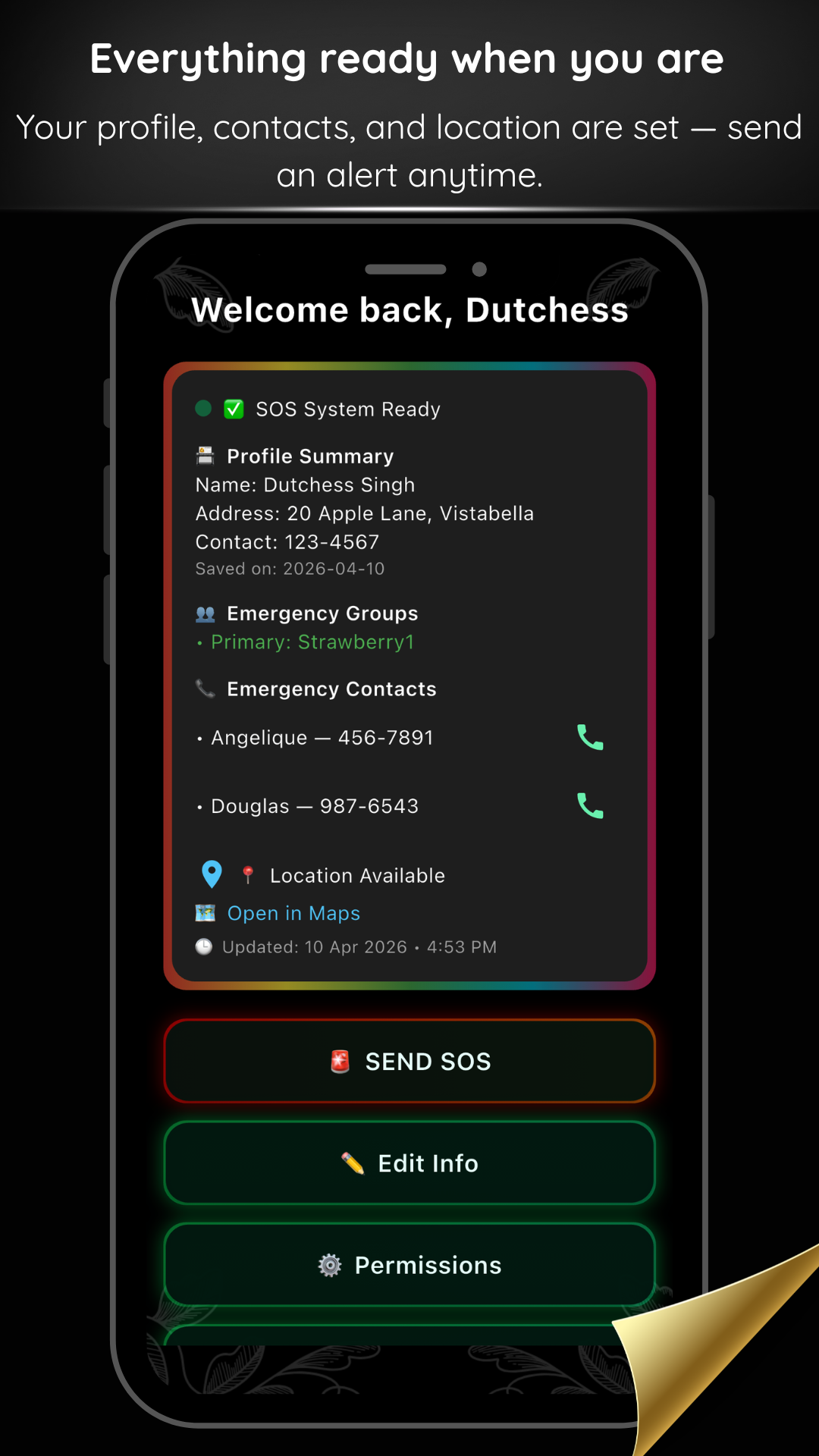
Send an SOS quickly and give your chosen contacts the information they need without extra confusion.
From setup to delivery, the experience is designed to stay understandable when stress is high.
Alerts stay within the trusted groups you set up, instead of broadcasting to the public.
How it works
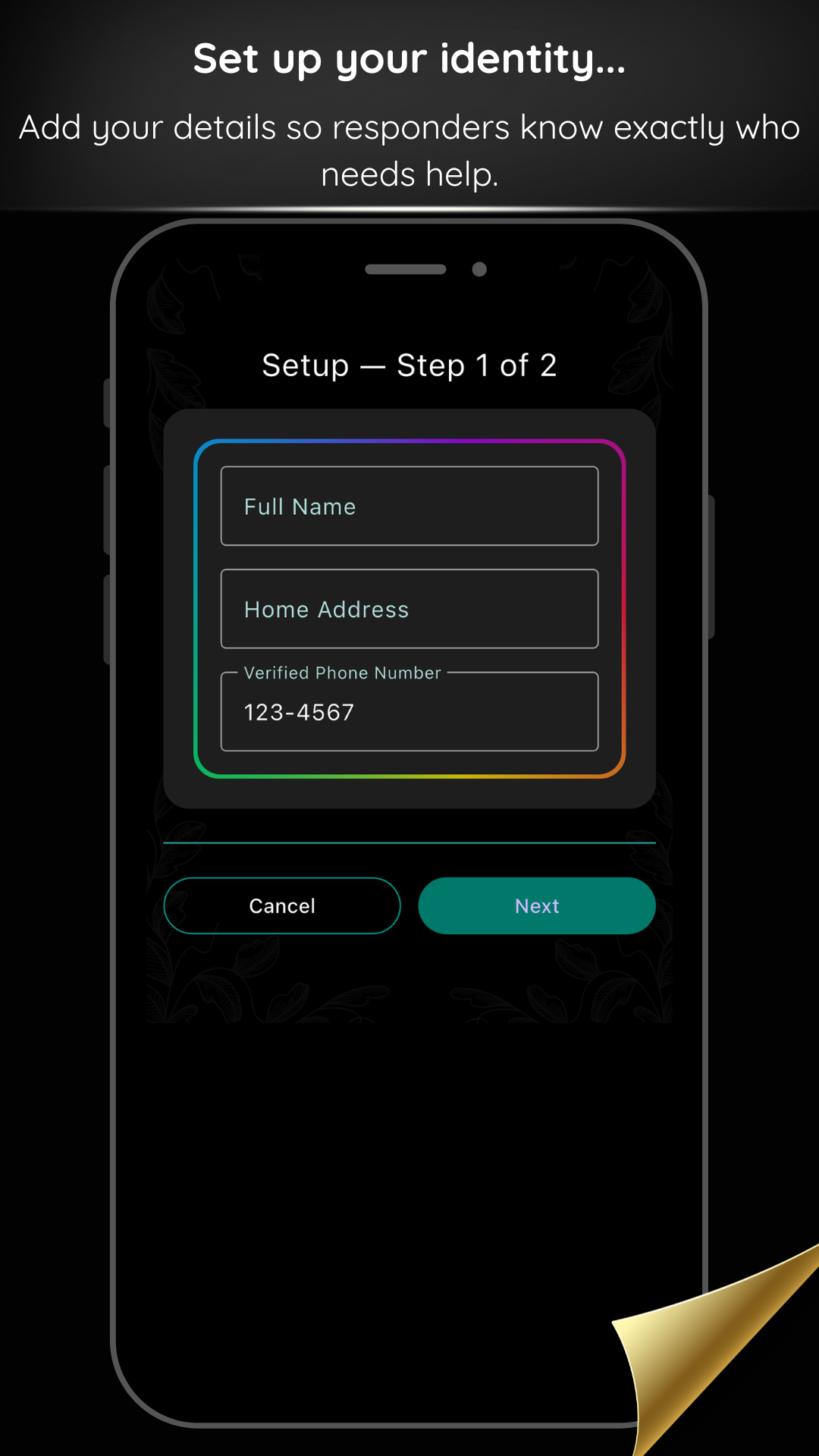
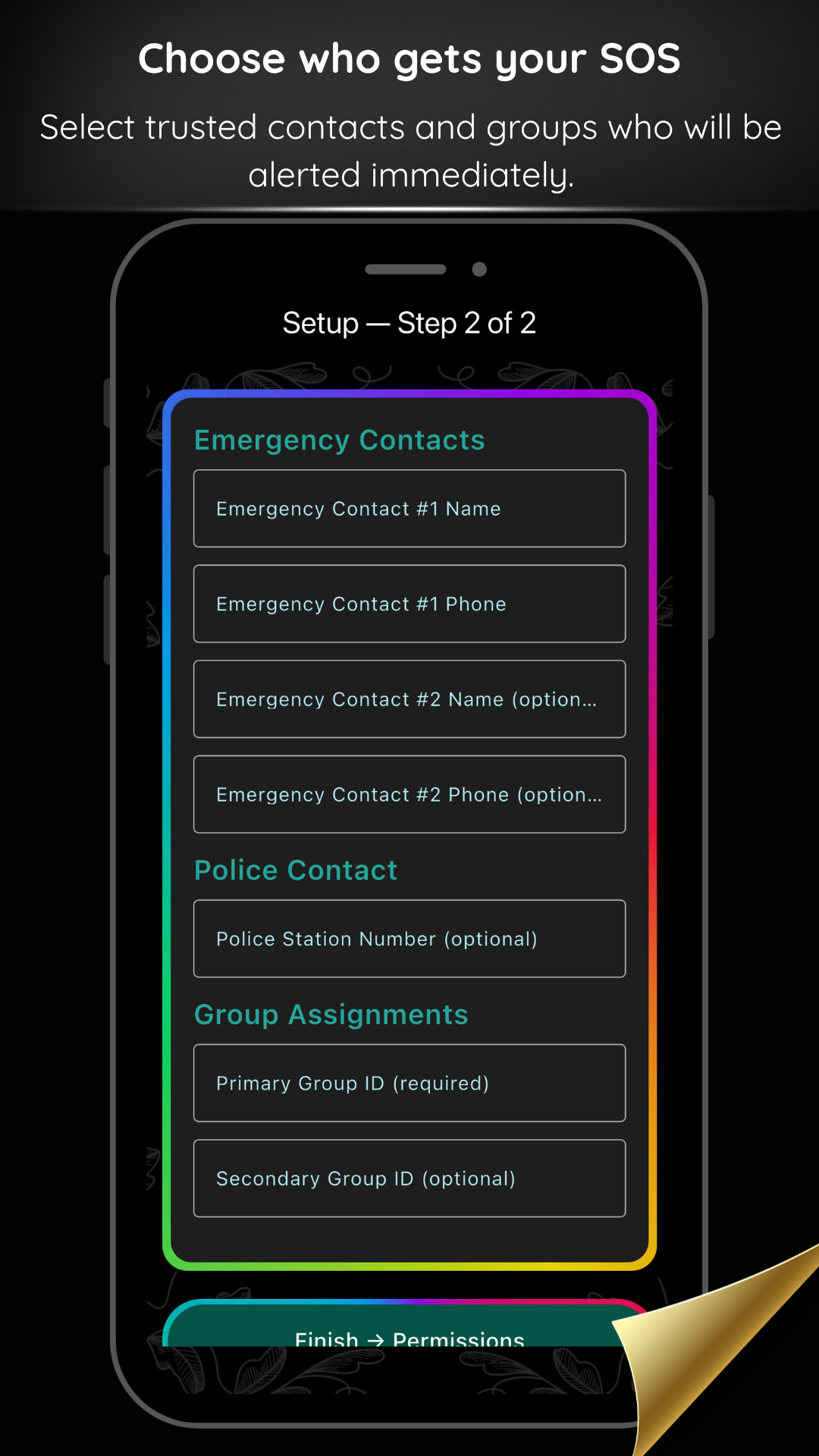
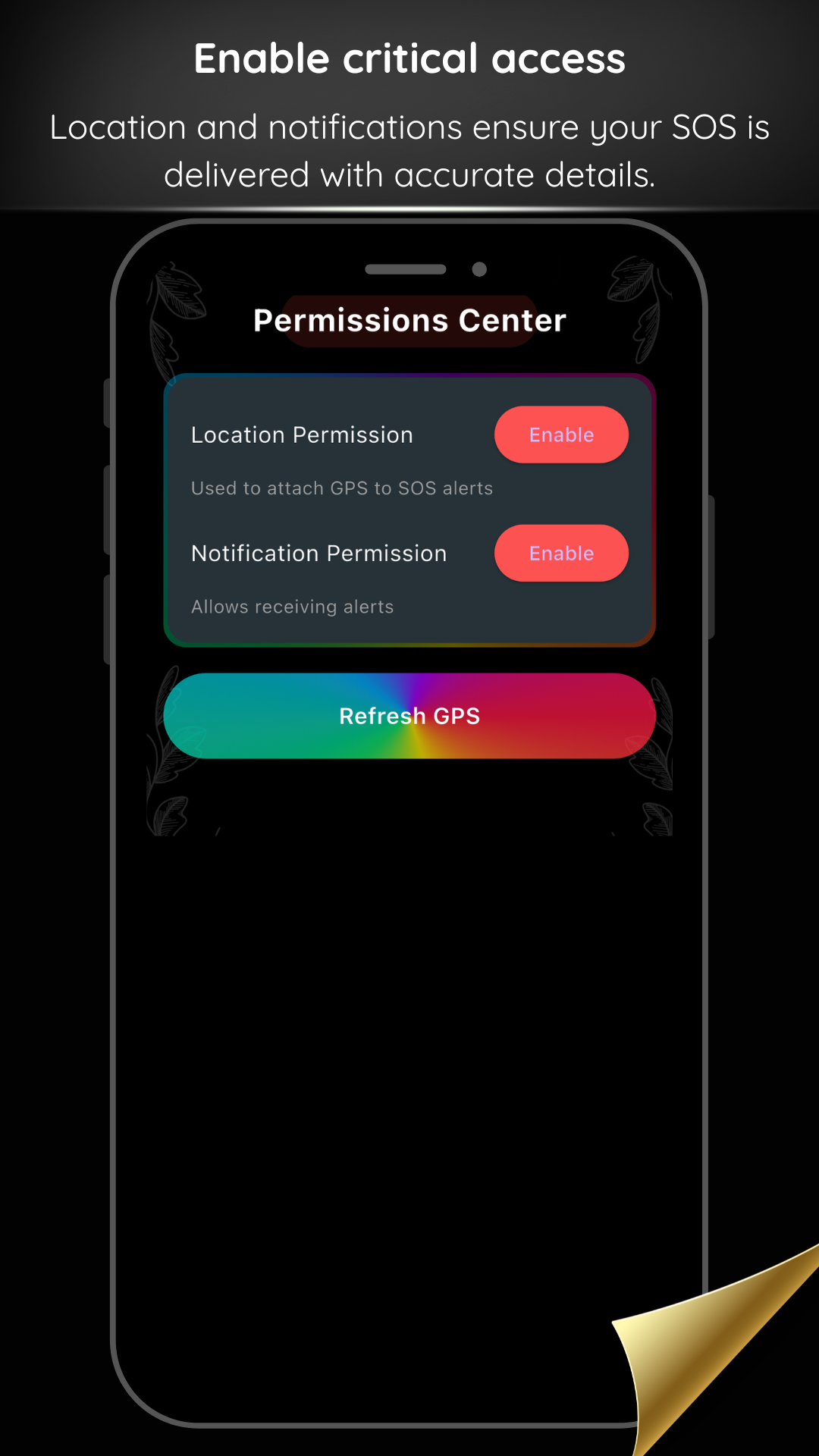
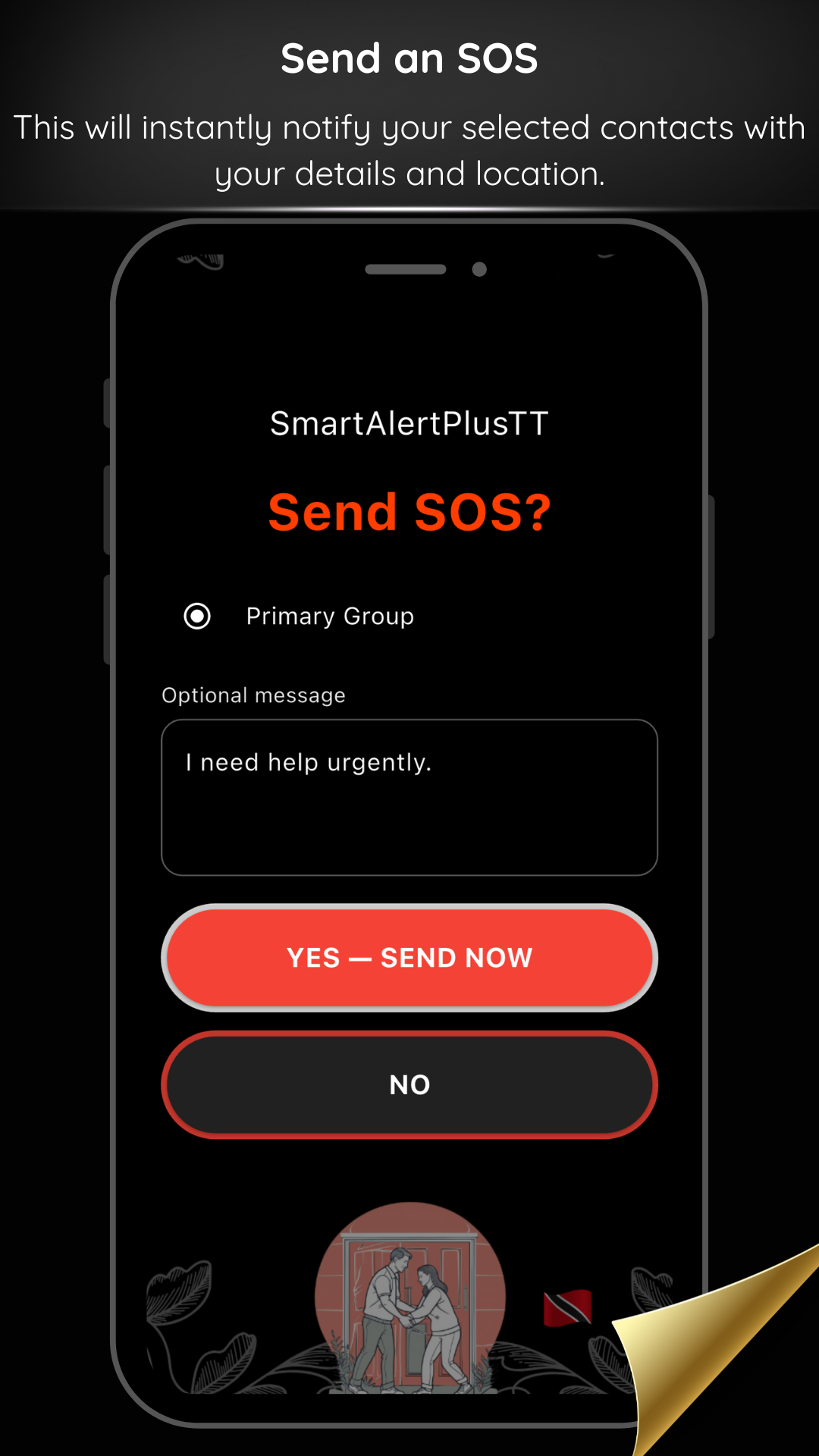
The app guides users through a clear setup process so alerts are ready before an emergency happens. The screenshots below reflect the current cross-platform experience.
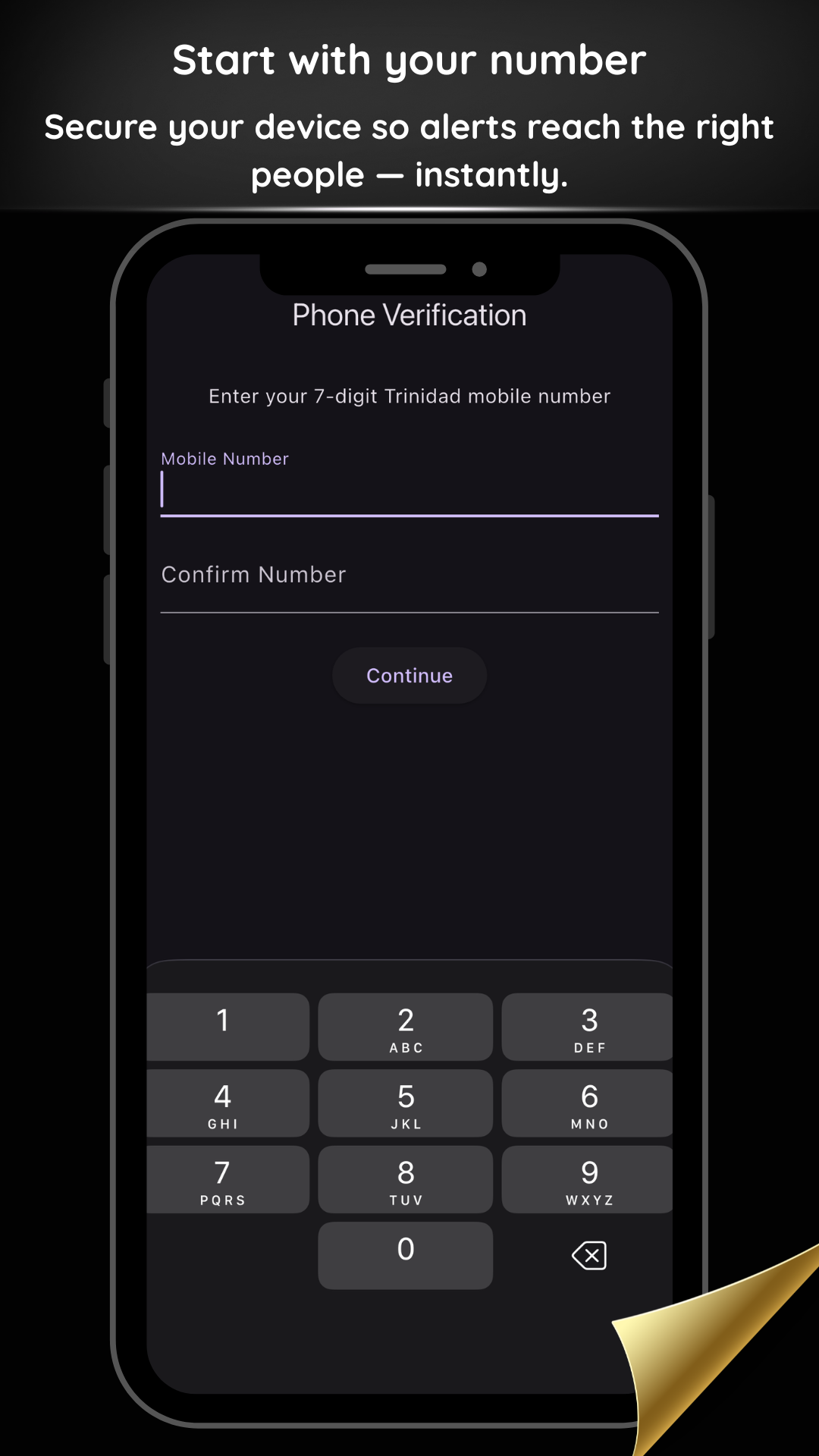
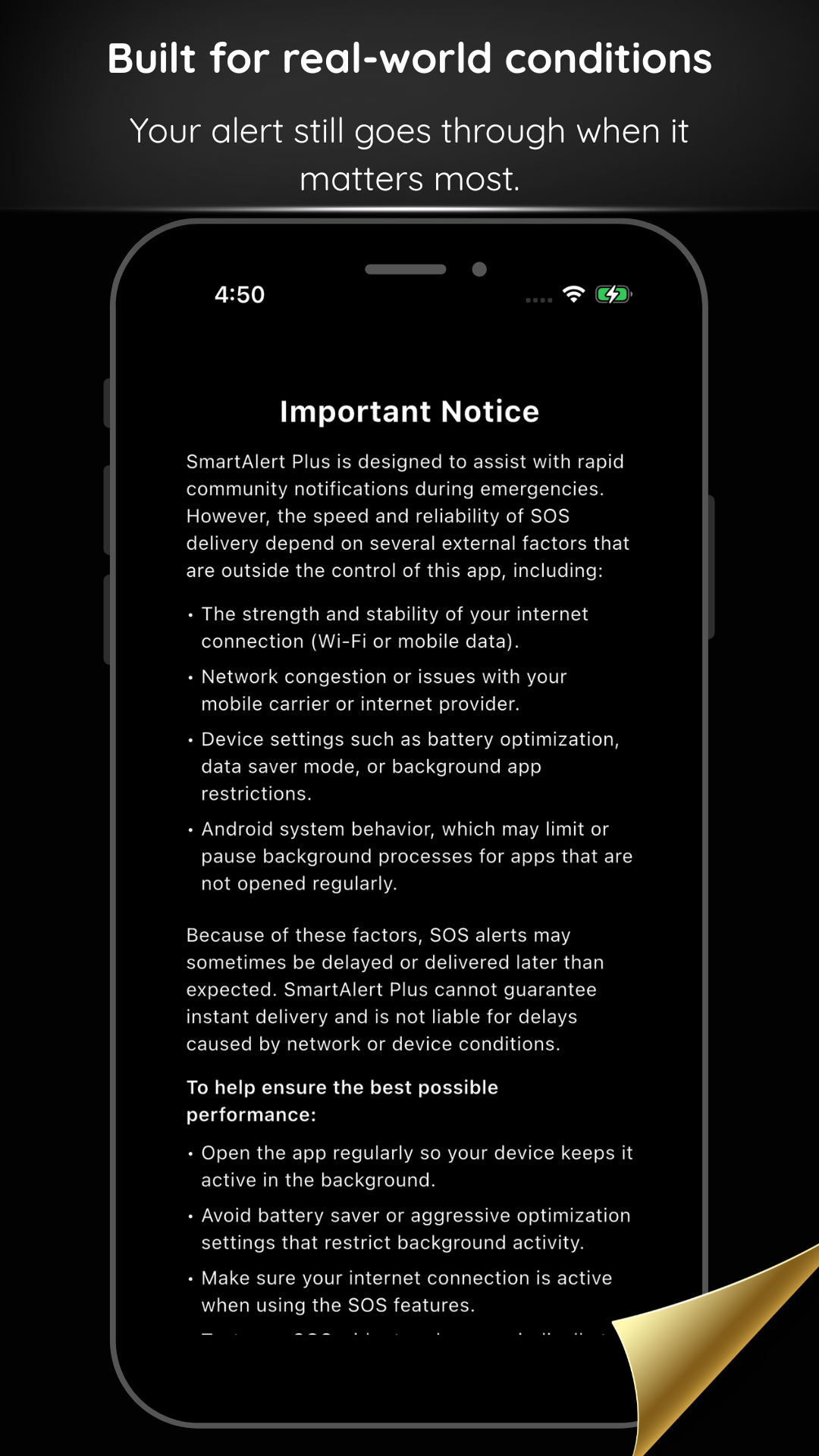
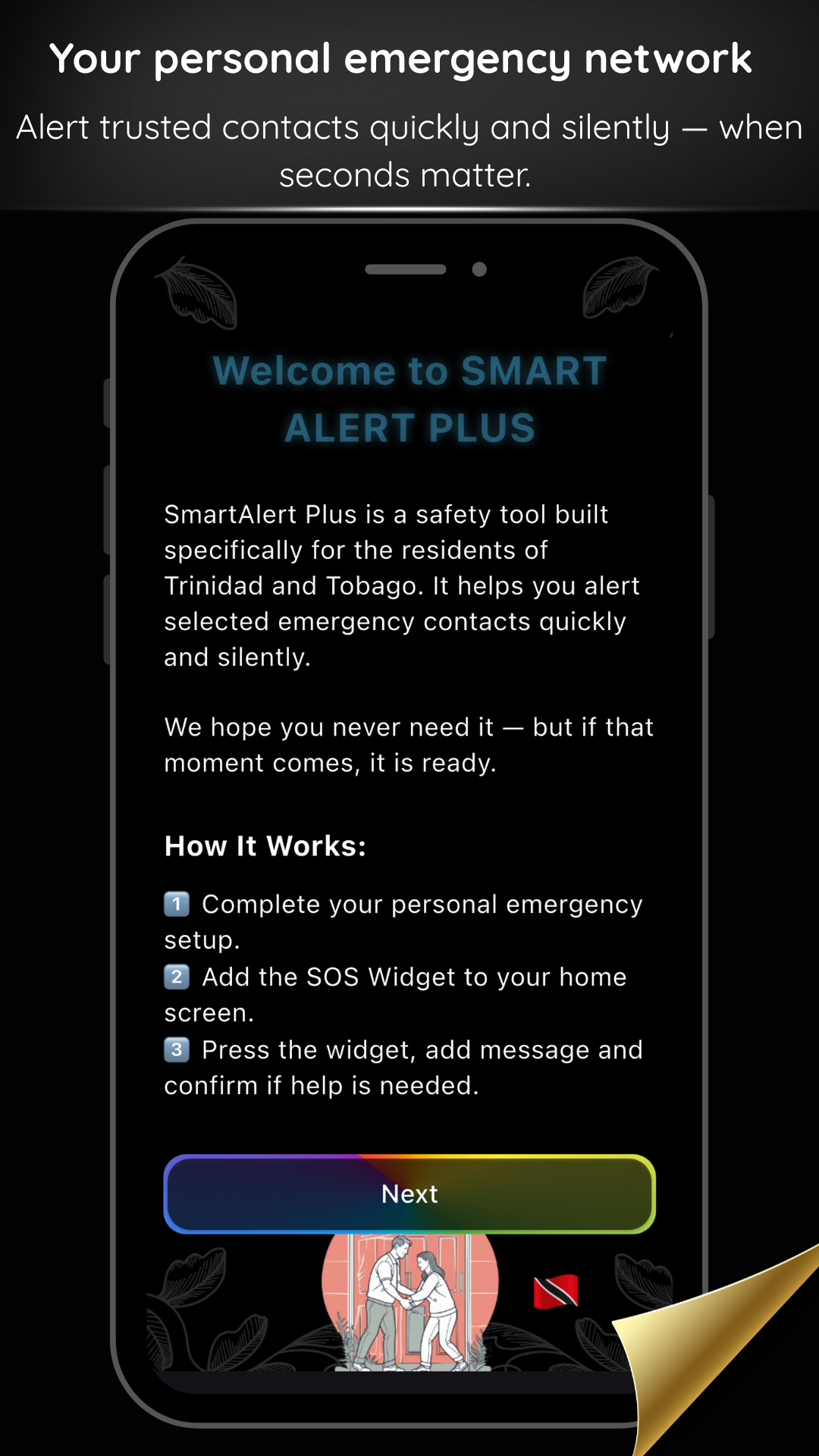
Install guide
A step-by-step guide will be available for users who prefer to see the setup before getting started.
Installation guide video coming soon for both iPhone and Android users.
Sending an SOS is simple
The app is designed so the core action stays clear. On iPhone, SOS is available inside the app home screen. On Android, the experience may also include a widget depending on the current version.
Portable SOS unit (optional)
For moments when a phone is not nearby or usable, the portable SOS unit offers a simple physical backup.
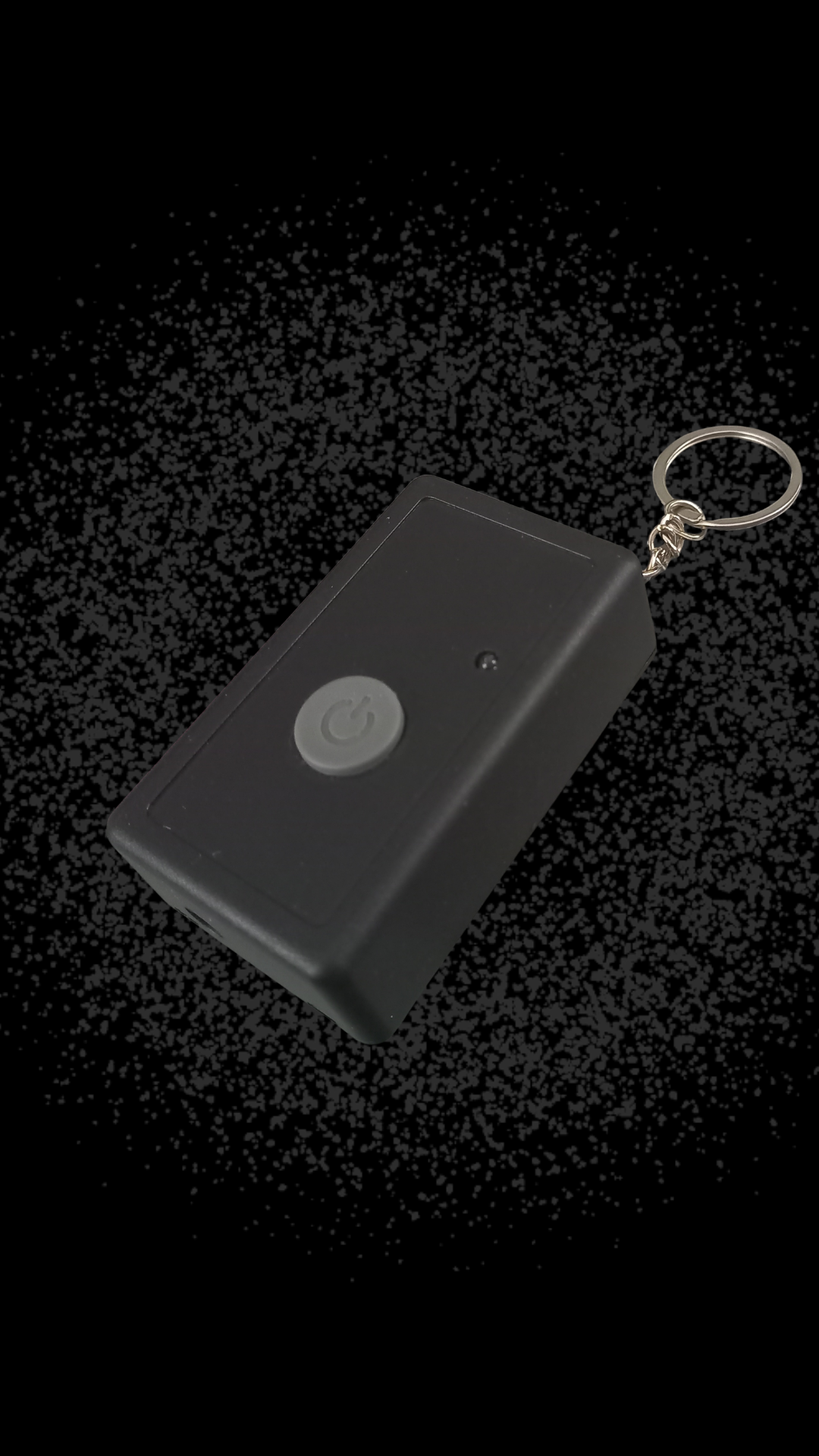
The portable unit is linked to your existing setup. When pressed, it sends the same SOS alert to the trusted contacts and groups you’ve already chosen.
Designed as an optional backup for added peace of mind. No screens. No menus. Just one clear physical action.
Privacy and trust
Personal details are used only to make the emergency alert work. The focus is on delivering useful information to your chosen contacts, not collecting unnecessary behavior data.
Clear SOS delivery, readable information, and guidance that works for real people under real pressure.
You can review the full privacy policy before downloading or sharing the app.
Get the app
SmartAlertPlusTT is now available on both iPhone and Android. Download and connect with your trusted group for real-time emergency alerts.
Currently available for use in Trinidad and Tobago only.


Support
If you need help, send a message and we’ll get back to you as soon as possible.
Thanks for reaching out. We’ll get back to you within 24–48 hours.
If you don’t see our reply, check your spam or promotions folder.
Support replies are typically sent within 24–48 hours.
For install questions, include your device type and a short description of the issue so we can help faster.